ZOOGVPN · Connect freely
The world is big,
connecting is simple.
Protect your privacy and connect with confidence.
Choose your platform,
Free download.
Protect your privacy on all your devices,
Connect securely anytime, anywhere.
Connect with peace of mind,
Simple enough.
Practical privacy protection function,
Let you focus on more important things.
Data encryption
Data is transmitted through an encrypted tunnel, protecting every connection.
No logs policy
Your VPN browsing activity is not logged, leaving privacy protection clearly visible.
Kill Switch
VPN pauses the network when unexpected disconnections occur, reducing the risk of data leakage.
Split Tunneling
Get the flexibility to choose which apps use VPN to tailor your connection to your needs.
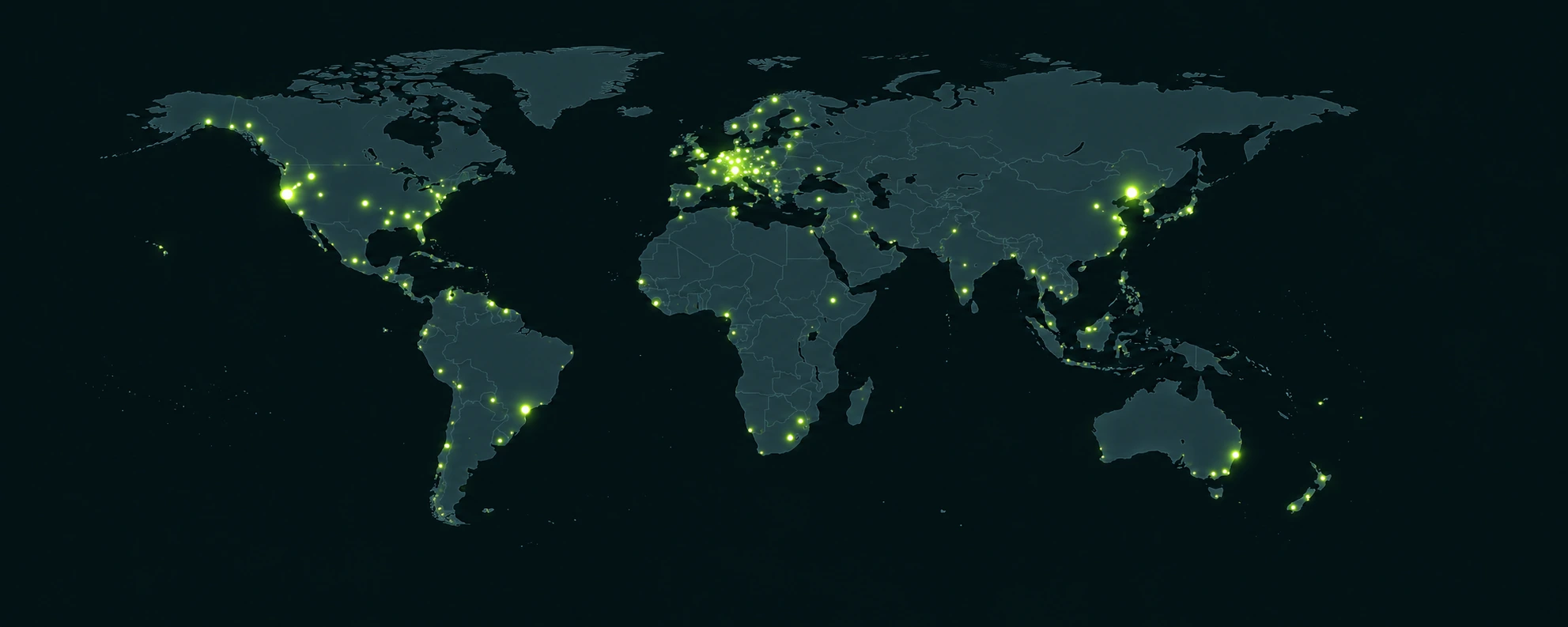
Global network, connecting to the wider world.
55+ countries and regions, dedicated VPN servers.
Start for free, upgrade as you go.
Experience first, then choose, and find the solution that suits you best.
7-day money back guarantee
Understand first, then experience with peace of mind.
Please see the refund policy for applicable conditions and application methods.
Is it free to use?
You can first download the app and create an account to start with the free plan. The traffic, available locations and device rights of the free plan are different from those of the premium plan and can be upgraded according to actual needs.
Compare free vs premium plansWhat devices and platforms are supported?
It supports common devices such as Windows, macOS, Android, and iOS, and also provides independent download or configuration guides for Linux, Android TV, Fire TV, routers, and Chrome, Firefox, and Edge browsers.
Select download platformHow to download, install and start connecting?
Select the download page corresponding to your device, follow the guide to install the app and log in to your account. Allow the system to add VPN configurations on first use, then select a location and wait for the app to show connected.
View the installation guideHow to choose a suitable connection location?
For daily use, you can first try a location that is closer, and then choose based on your needs for accessing services or file sharing. Connection performance will be affected by the local network, server distance, usage period and protocol.
Browse global network locationsCan one account be used on multiple devices?
You can install the corresponding application on other devices and log in with the same account. The number of devices connected at the same time and available functions depend on the current plan. Please check the package benefits first.
View equipment and package benefitsWhat should I do if I keep connecting or the connection fails?
First confirm that the device can access the Internet normally and turn off other VPNs or proxies running at the same time. Then try to change the location or the protocol supported by the application, and check the VPN permissions; if you still have problems, you can submit the device version and error message.
View connection troubleshooting stepsThe connection speed is slow, how can I improve it?
Prioritize trying a server that is closer, pause unnecessary large-traffic downloads, and then switch protocols according to the options provided by the client. Compare the experience before and after connection under the same network to help determine the problem.
Learn how to troubleshoot speedDo I need to reconnect after switching Wi-Fi or putting my device to sleep?
Network changes can interrupt VPN connections. Check the application status before resuming use and reconnect if necessary; when Kill Switch is enabled, the network may remain paused until the VPN is restored.
Learn about Kill SwitchDoes ZoogVPN log my browsing activity?
The no-logs policy covers VPN browsing activity, websites and apps visited, and more. Account email, subscription information and aggregate traffic volume are data required for service operation. Please refer to the privacy policy for specific processing methods.
Read privacy policyCan only some apps use VPN?
Platforms that support app split tunneling can choose which apps connect through the VPN. Different systems and client versions have different settings. Please configure according to the corresponding platform instructions and confirm the connection result.
Learn about split tunnelingingHow to cancel automatic renewal?
Manage subscriptions through the original purchase channel: Plans purchased through the app store need to be canceled at the corresponding store; for other channels, please check the recurring payment settings. Uninstalling the app will not automatically cancel the subscription, please retain the cancellation confirmation when completed.
View renewal and cancellation instructionsWhat are the conditions for the 7-day money-back guarantee?
Refunds are subject to conditions such as the first payment for a new subscription, application within 7 days of payment, and usage of less than 10 GB. Plan length, purchase channel, and payment method will also affect eligibility. Please check the complete policy before preparing your order and account information to submit your application.
View full refund policyPrivacy knowledge and usage guide
Discover VPN tips, privacy advice, and more.